Nissan website
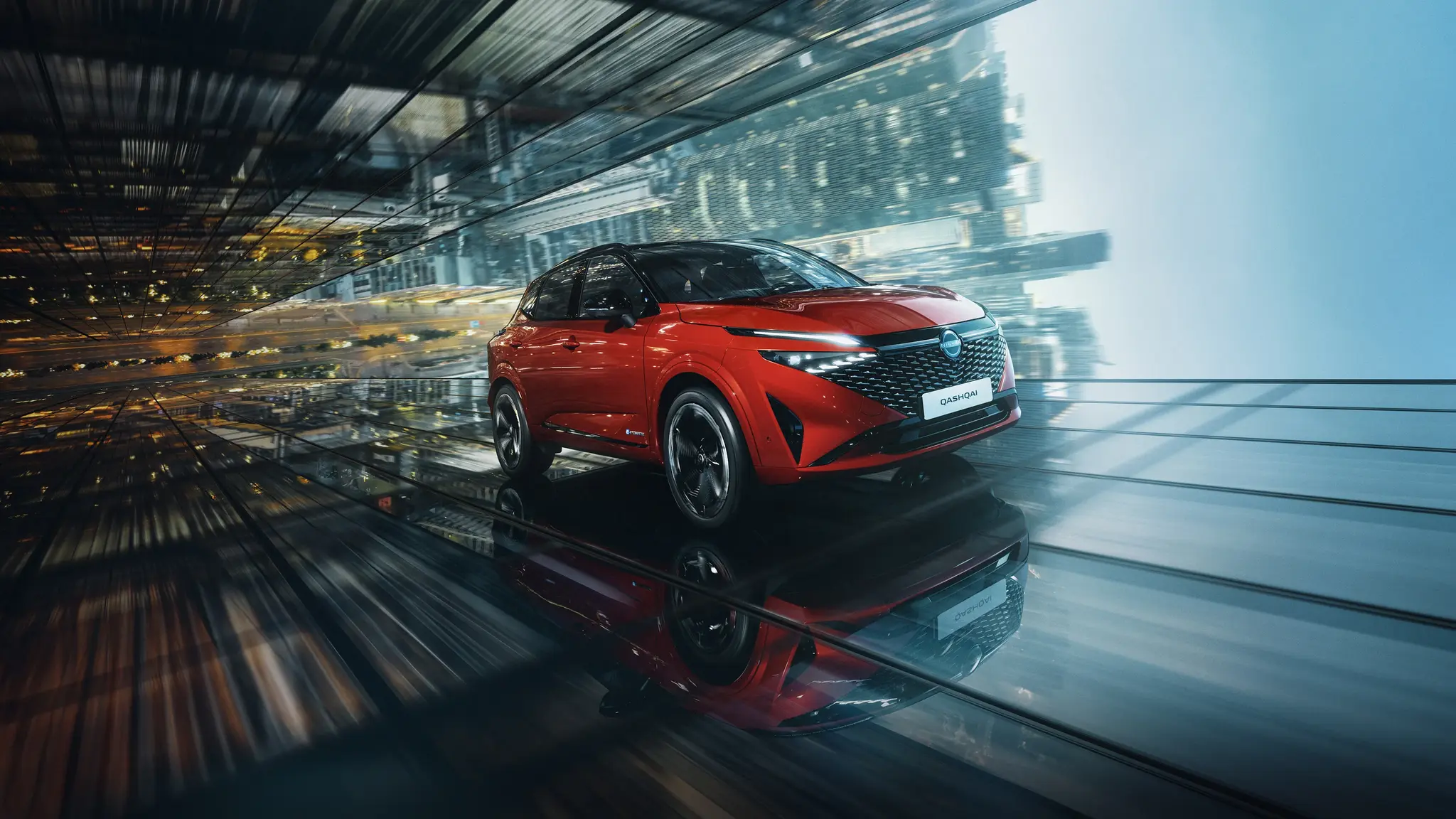


Showroom title
Showroom subtitle
Showroom description Showroom description Showroom description


Stock cars
Make your choice...
Warehouse cars description Warehouse cars description Warehouse cars description
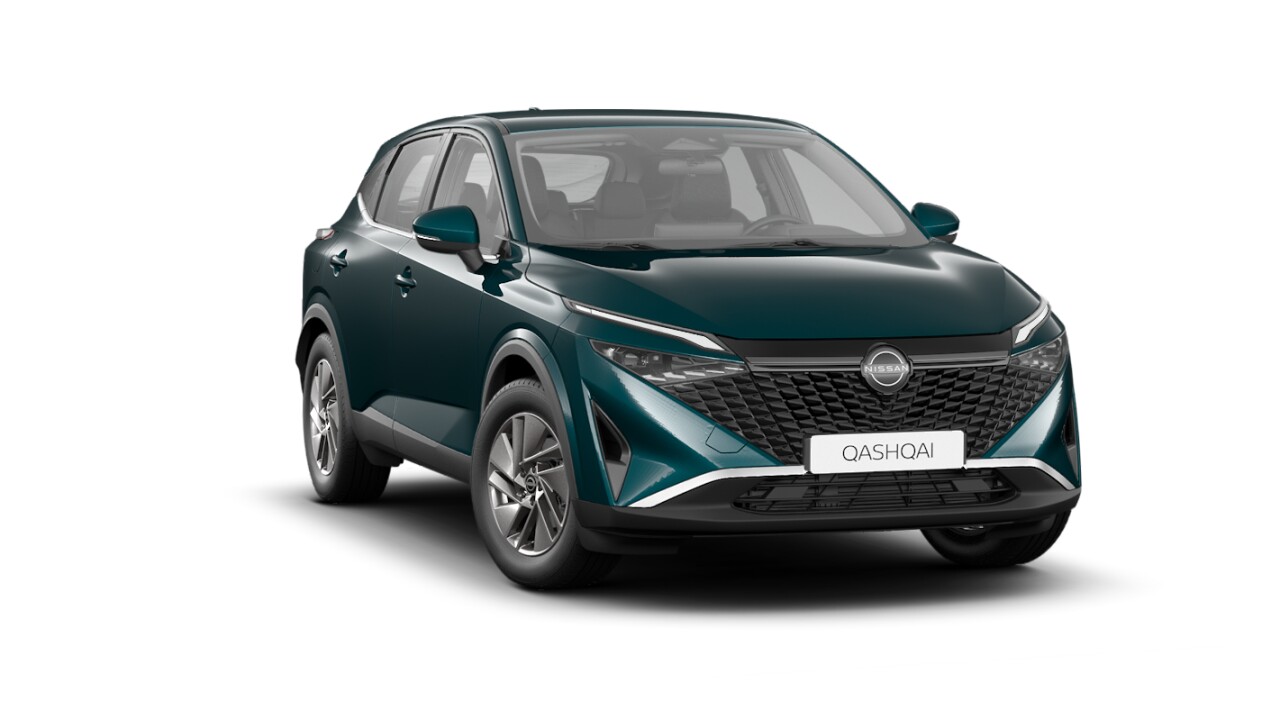
Nissan QASHQAI
19 998 € from 305 € /month

Nissan JUKE MY23
22 740 € from 345 € /month

Nissan QASHQAI
26 080 € from 394 € /month

Kia PICANTO
29 983 € from 452 € /month

Jeep Uus Compass
30 000 € from 452 € /month

Nissan JUKE
31 190 € from 470 € /month

Renault ARKANA
31 490 € from 474 € /month

Nissan QASHQAI MY22
31 950 € from 481 € /month
Offers
Hot offers
Offers description Offers description Offers description

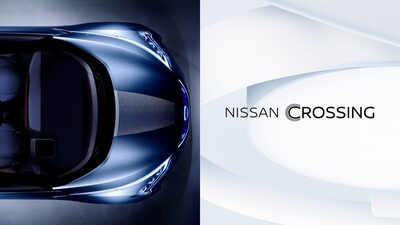
NEW NISSAN GINZA BRAND CENTER
A new informative center at Ginza in Tokyo opened on the 24 September 2016.

Used cars
Make your choice...
Used cars description Used cars description Used cars description

Audi A4
35TFSI Avant Facelift44 300 € KM 20% Original price: 45 550 € Discount sum: 1 250 € from 663 € /month

Bentley Bentayga
-237 900 € KM 20% from 3 515 € /month

Bentley Flying Spur
-275 000 € KM 20% from 4 062 € /month

BMW 320
e Touring42 900 € KM 20% Original price: 43 900 € Discount sum: 1 000 € from 642 € /month

Honda CR-V
Executive Navi AWD19 500 € KM 0% from 297 € /month

Lamborghini Aventador
AVENTADOR50 000 € KM 0% Original price: 560 000 € Discount sum: 510 000 € from 747 € /month

Nissan Navara
-13 790 € KM 20% Original price: 14 590 € Discount sum: 800 € from 213 € /month

Nissan NV200
-4 500 € KM 20% Original price: 6 500 € Discount sum: 2 000 € from 76 € /month
News
Hot news
News description News description News description

HOW AUTOMOTIVE END-TO-END PLANNING SOFTWARE SOLUTIONS CAN HELP CAR DEALERSHIPS IN 2023
With car dealerships facing more challenges than they could care to count during these turbulent times, the answer to many problems lies in the implementation of high-quality automotive software

5 CHALLENGES THAT AFFECT CAR DEALERSHIPS IN 2023 AND HOW TO SOLVE THEM
It seems the auto industry has more and more challenges to face each year and 2023 will not be an exception. The five main challenges the industry will have to overcome are the following: - Problems with new car supply - Increasing demand for used cars - Managing aftersales - Building and nurturing customer relations - New approach to sales and marketing

Best auto dealer lead generation ideas
When you operate a dealership, you know that leads mean everything.

5 Digital Marketing Trends in the Automotive Industry for 2023
The automotive industry is currently struggling to reach out to consumers. With constantly increasing car prices and numerous other challenges, targeting potential customers has become quite a hassle. Thankfully, there are some tried and trusted automotive digital marketing trends that can help car dealerships capture their leads this year.

Tips to Boost Used Car Sales in 2022
The automotive industry is evolving quickly, so dealerships have to adapt in order to meet demands from both the sector and customers.
Smart innovations for a changing world
Dive deeper into the world of Nissan ARIYA
Subtitle
Content Description
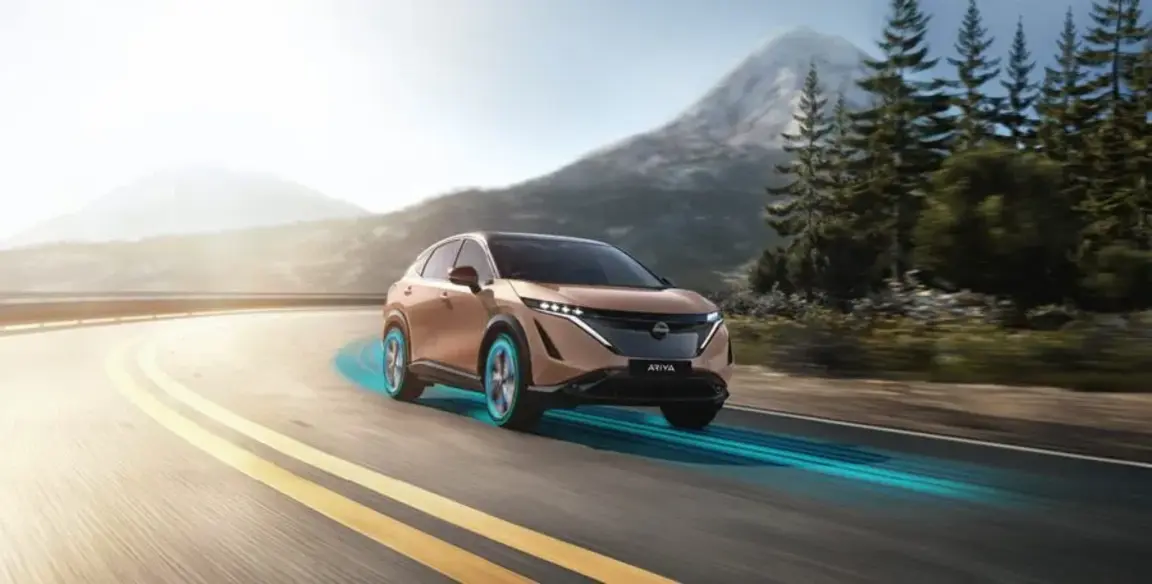
Experience Nissan Intelligent Mobility
Discover the pinnacle of our Intelligent Mobility technology with the Nissan ARIYA. Our intelligent driver assistance systems are designed to help fleet drivers stay safe, more alert, and less stressed on the road. Features such as ProPILOT driver assistance and Navi Link, ProPILOT Auto Park, combined with the head-up display and around view monitor 360-degree camera system, provide a seamless driving experience that helps enhance safety and awareness. Learn how our advanced driver assistance systems help maintain a safe distance from the vehicle ahead, ensuring smoother and more controlled driving experiences for fleet drivers.
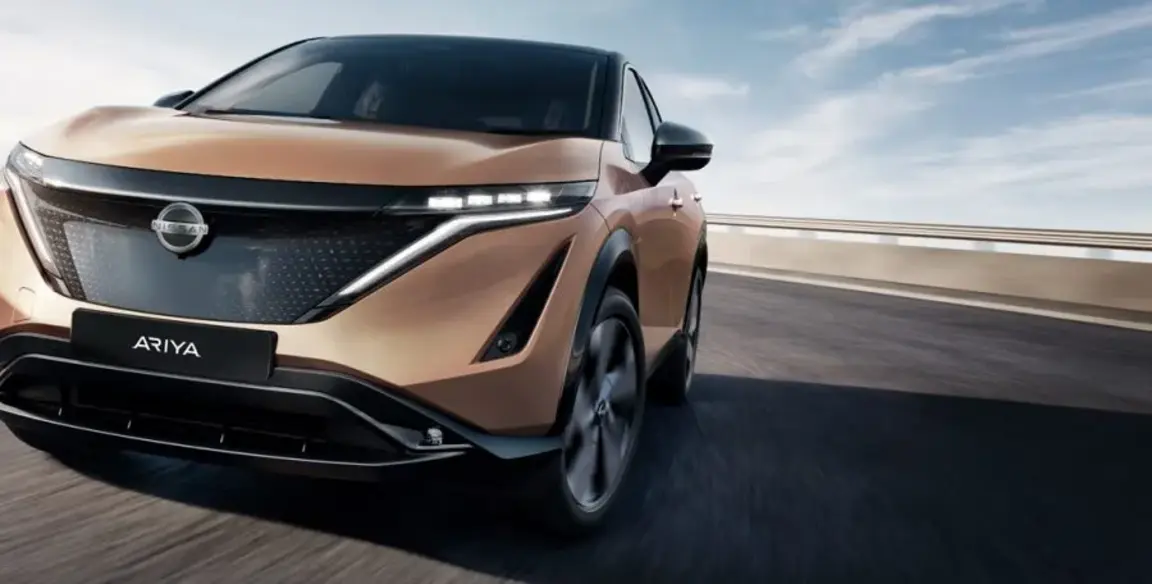
Putting Your Drivers’ Safety First
Why do we put our cars through such rigorous testing? Because the people inside are what matters most. We take no half-measures in ensuring your drivers are as safe as possible in their vehicle, and we don’t put cars on the road without subjecting them to scrupulous tests and equipping them with our most advanced safety technology. Every fine detail is checked and checked again, and we’ve got the 5* NCAP safety ratings to prove it.
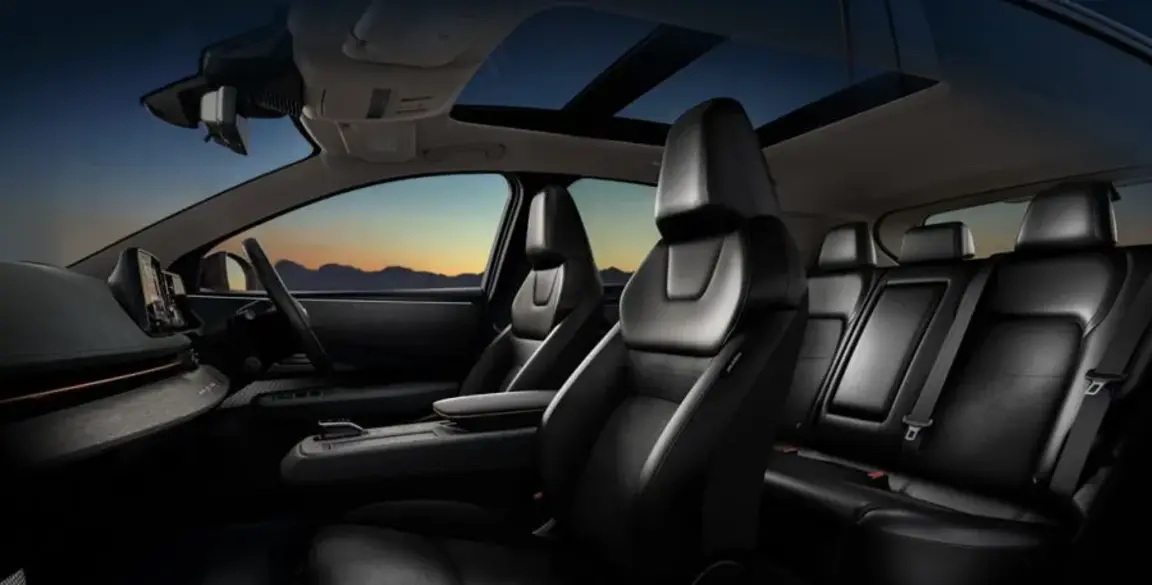
Budget Smarter With Flexible Finance
No matter the size of your fleet, at Nissan Finance9, we have a range of packages designed to help you keep your business moving, your way. From hassle-free Contract Hire and Hire Purchase to flexible Salary Sacrifice schemes – we’re confident we can find the right solution to bring a Nissan ARIYA in reach for your fleet.
High-tech, low-stress
Feel more secure. Driver assist technologies² give you different levels of support. Motorway traffic? Tight space? Let the Nissan ARIYA give you a helping hand.
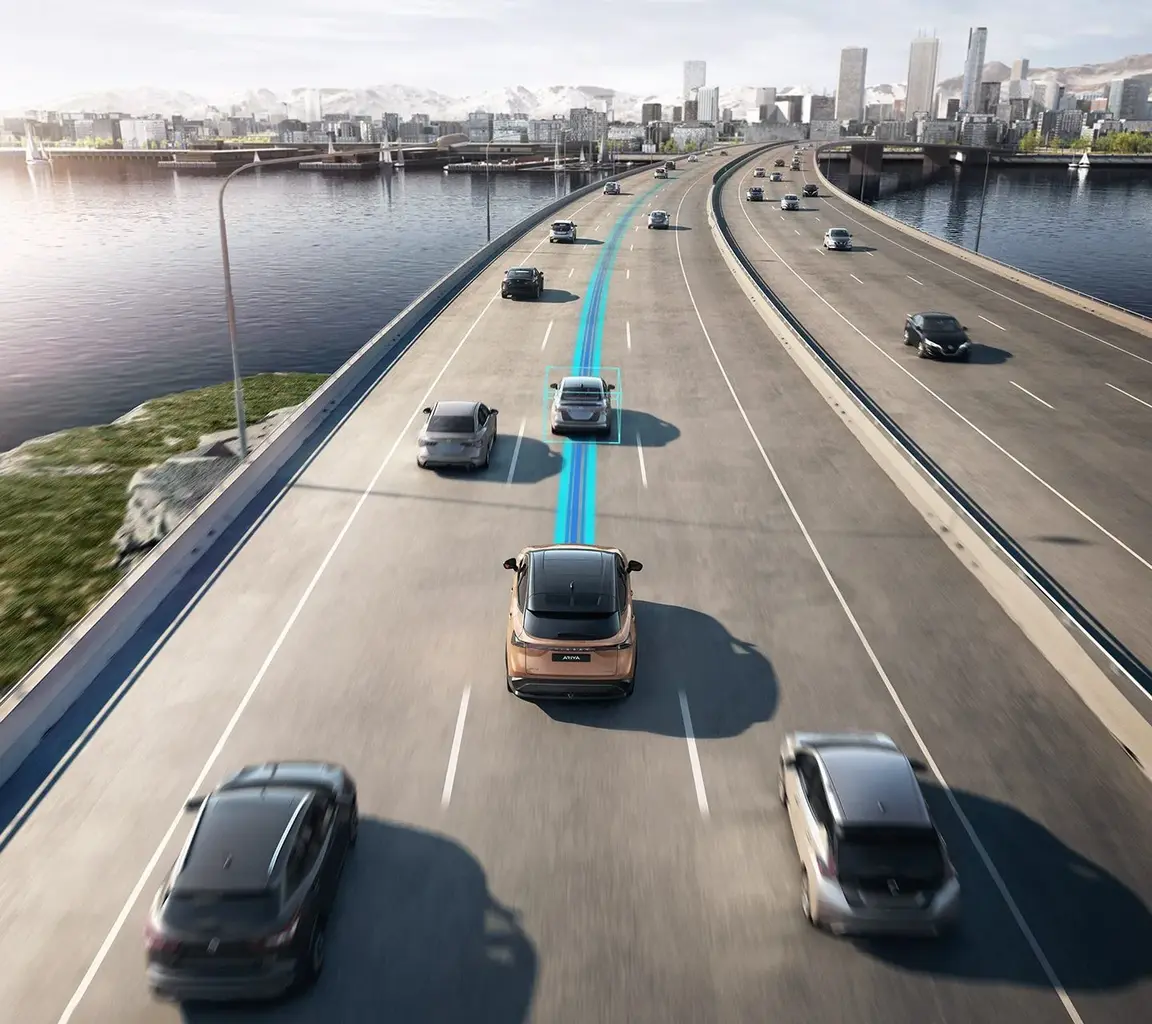
ProPILOT Assist with Navi-link
ARIYA features ProPILOT Assist technologies, designed to make your journey safer, easier and more comfortable… without sacrificing driver pleasure. An electrifying ride With e-4ORCE technology, dual motors and a unique all-wheel drive technology, ARIYA delivers the perfect balance between powerful & unprecedented Control in all conditions. Launch with instant torque at all four wheels. Conquer terrain with all-weather traction. Corner with precise control. And enjoy every minute while ensuring a smooth ride. With a dedicated 240-volt wall charger, plug into the easy life and wave goodbye to the gas pump. Plug your Nissan ARIYA directly into a standard domestic wall socket for regular charging, wherever you may be, or plug in to a professionally installed Nissan 7.4kW or 22kW AC Charger [4] at home to charge your ARIYA to 100% overnight.
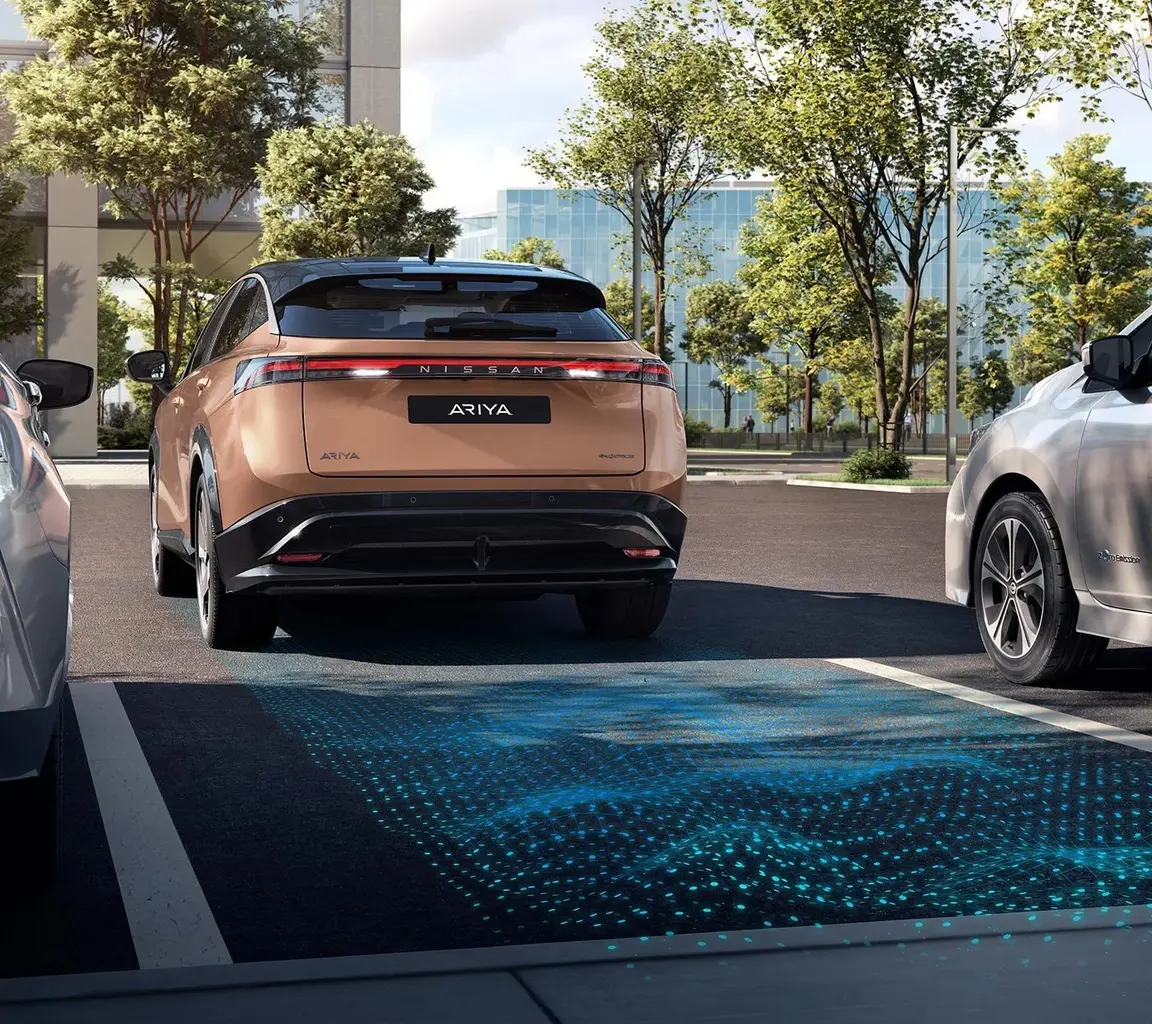
ProPILOT Park
Press and hold the ProPILOT Park button. Now watch as the Nissan ARIYA steers itself into a space. One of the easiest and quickest ways to charge your electric vehicle is at home. Nissan works with two of the best home charger installers – E.ON Drive and Pod Point. When you order your home charger from us it will be safely installed by their trained technicians before delivery of your vehicle, if you haven’t picked it up yet. We have a number of finance options available including bundling the cost into your monthly electric vehicle payments or buying it outright upfront. One of the easiest and quickest ways to charge your electric vehicle is at home. Nissan works with two of the best home charger installers – E.ON Drive and Pod Point. When you order your home charger from us it will be safely installed by their trained technicians before delivery of your vehicle, if you haven’t picked it up yet. We have a number of finance options available including bundling the cost into your monthly electric vehicle payments or buying it outright upfront.
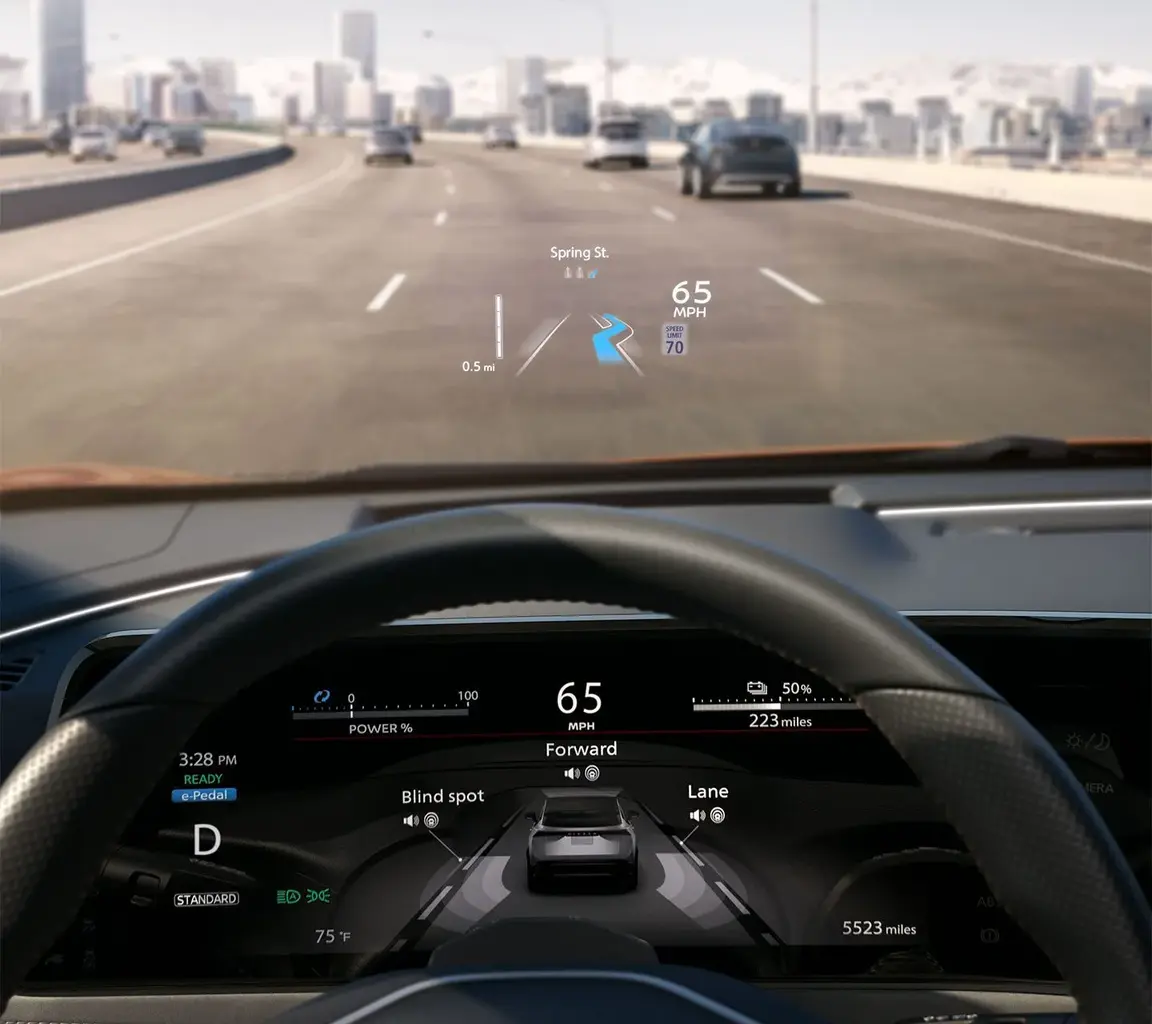
Head-Up Display
Keep important info in your line of sight. See vehicle speed, navigation and ProPILOT Assist status. Lorem Ipsum is simply dummy text of the printing and typesetting industry. Lorem Ipsum has been the industry's standard dummy text ever since the 1500s, when an unknown printer took a galley of type and scrambled it to make a type specimen book. It has survived not only five centuries, but also the leap into electronic typesetting, remaining essentially unchanged. It was popularised in the 1960s with the release of Letraset sheets containing Lorem Ipsum passages, and more recently with desktop publishing software like Aldus PageMaker including versions of Lorem Ipsum. Lorem Ipsum is simply dummy text of the printing and typesetting industry. Lorem Ipsum has been the industry's standard dummy text ever since the 1500s, when an unknown printer took a galley of type and scrambled it to make a type specimen book. It has survived not only five centuries, but also the leap into electronic typesetting, remaining essentially unchanged. It was popularised in the 1960s with the release of Letraset sheets containing Lorem Ipsum passages, and more recently with desktop publishing software like Aldus PageMaker including versions of Lorem Ipsum.
FAQs To Help And Support
How do I activate Apple CarPlay in my vehicle?
Apple CarPlay is not working. What can I do?
Does Siri have to be enabled to use Apple CarPlay?
I have connected my phone to Apple CarPlay but not all my apps are showing
The steering wheel and volume control buttons don't seem to be working properly - how do I fix this?
Find us!


Modera HQ
Modera Germany